A new way to run Taekwondo classes

Your whole dojang.
One phone.

From playing poomsae videos to controlling every screen—all from your phone.

Our content follows the standard poomsae curriculum established by Kukkiwon.

Screen control

Multiple classes.
One tap—
that's all it takes.

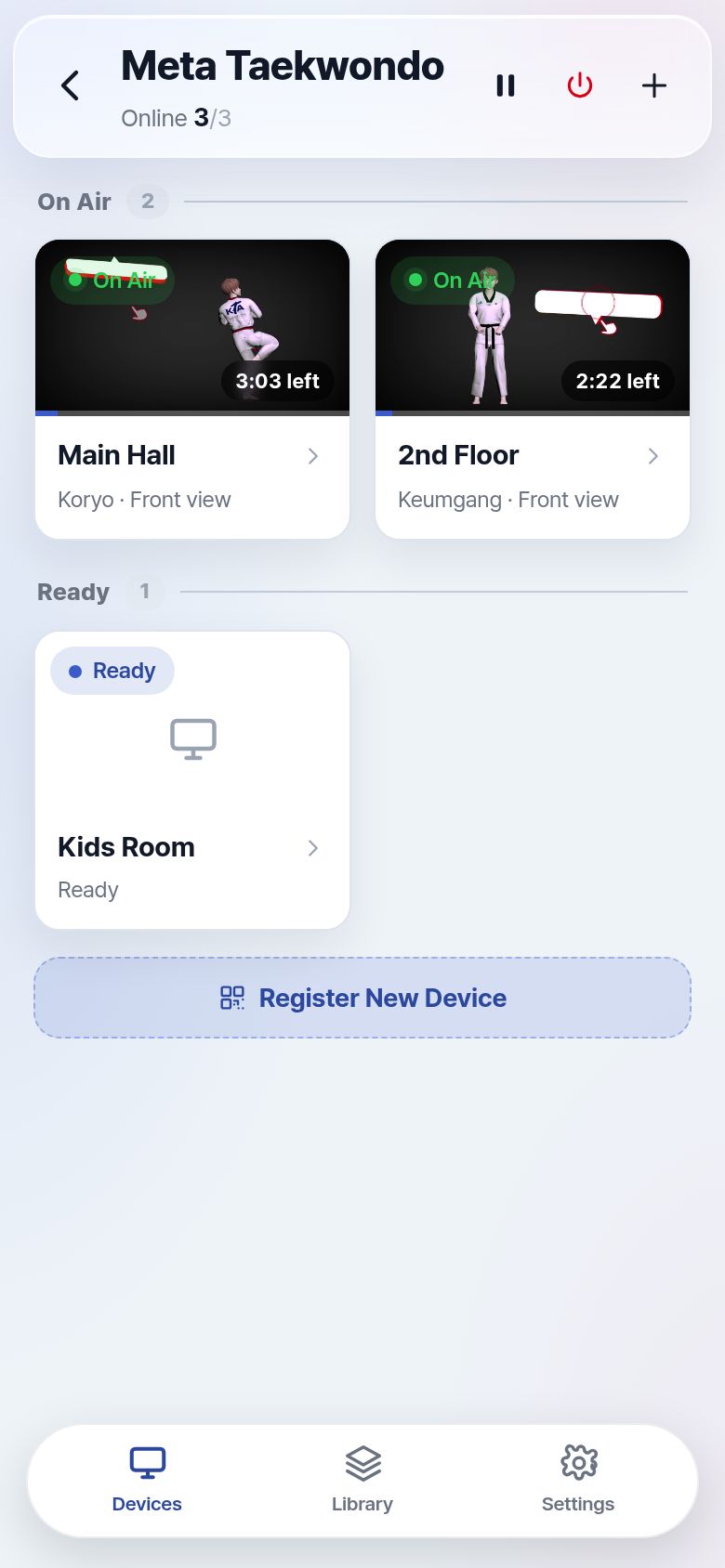
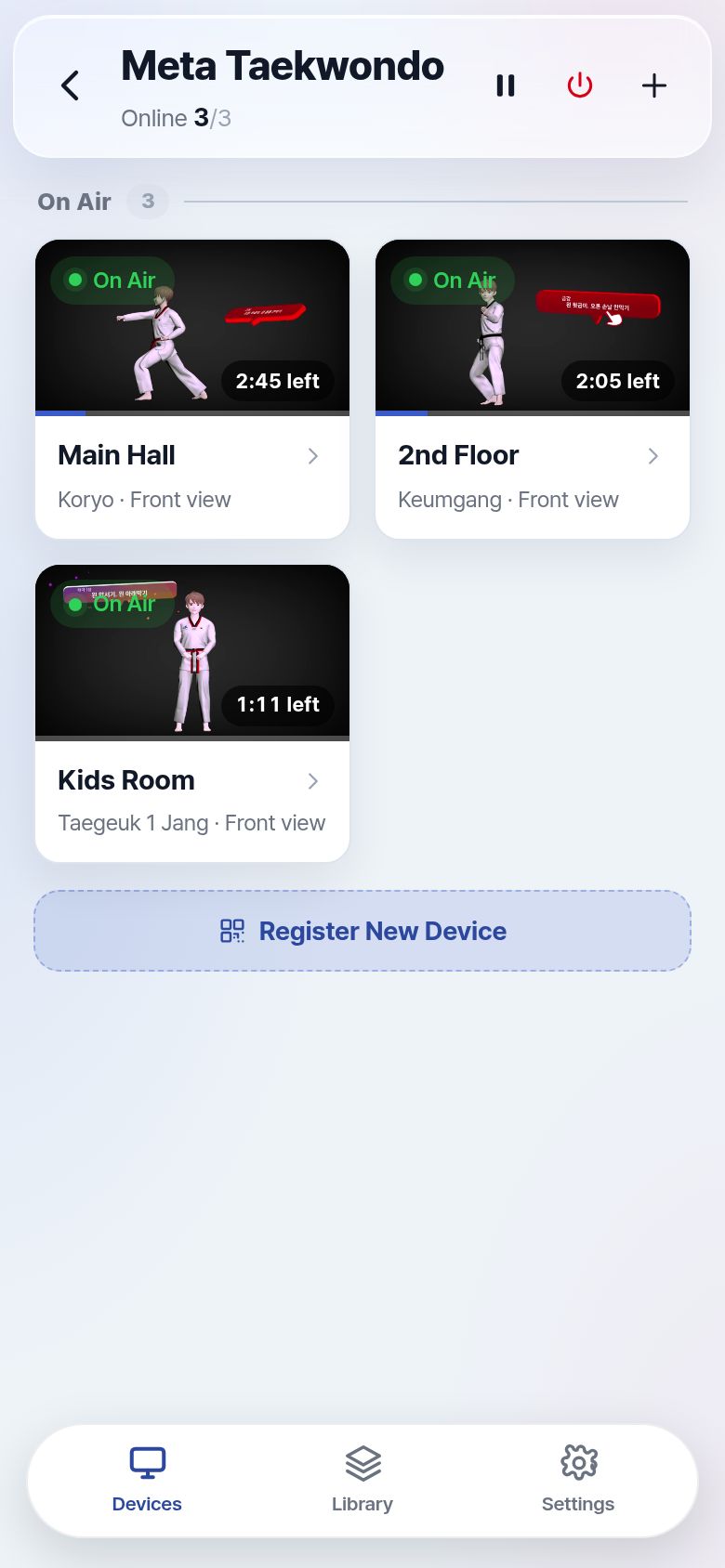
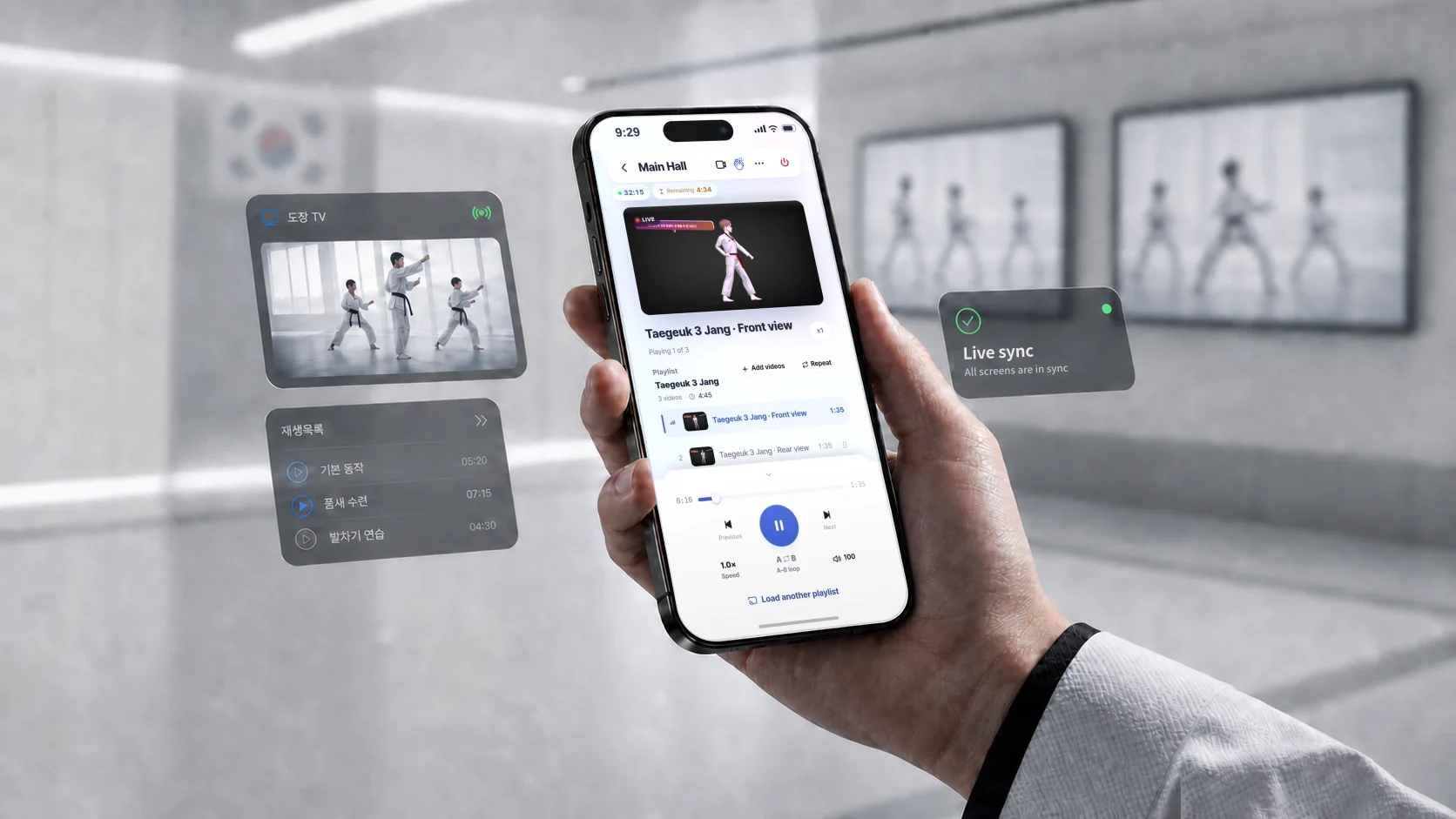
Play different content on each screen, then switch them all to the same video instantly.

  • Play a different video on each screen
  • Switch all screens at once
  • Wake inactive screens from your phone
Try it yourself →
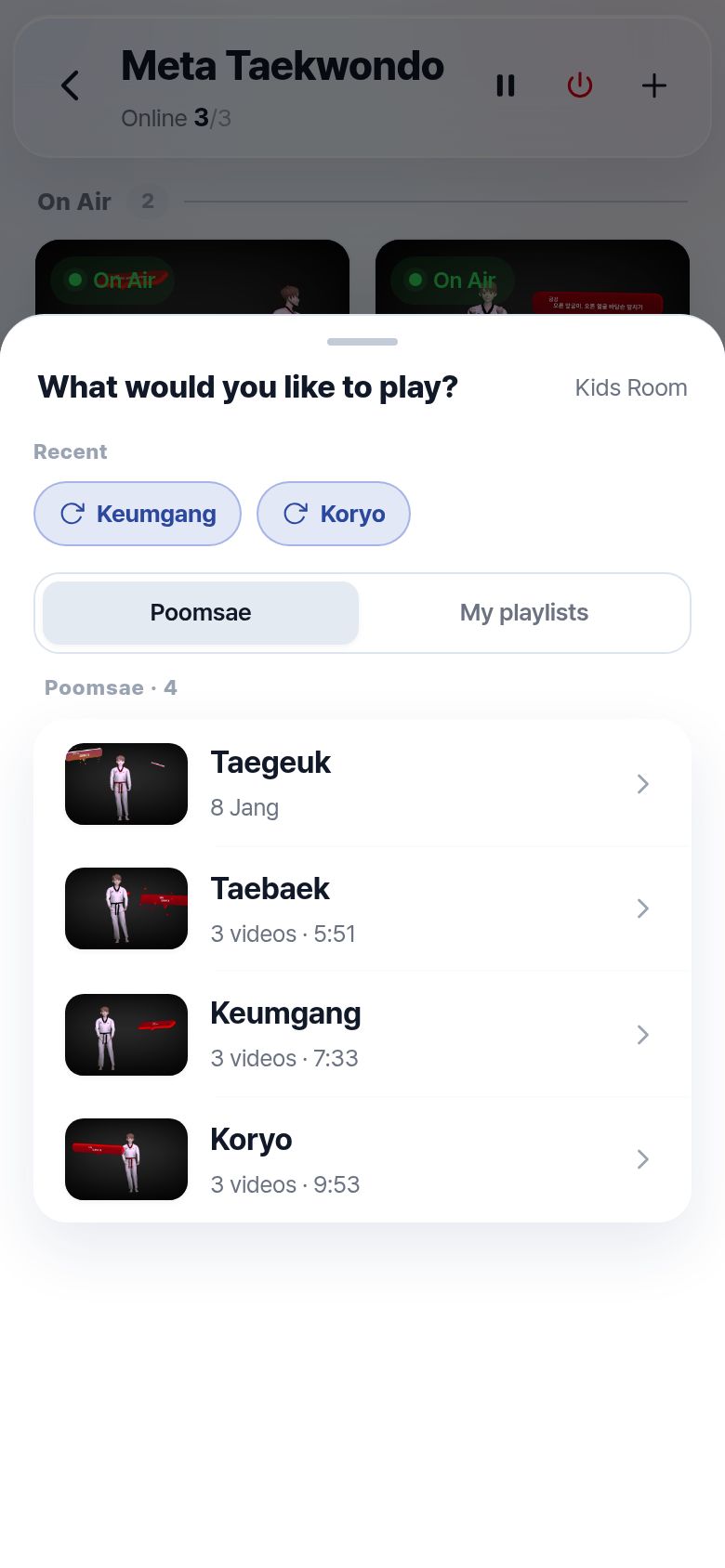
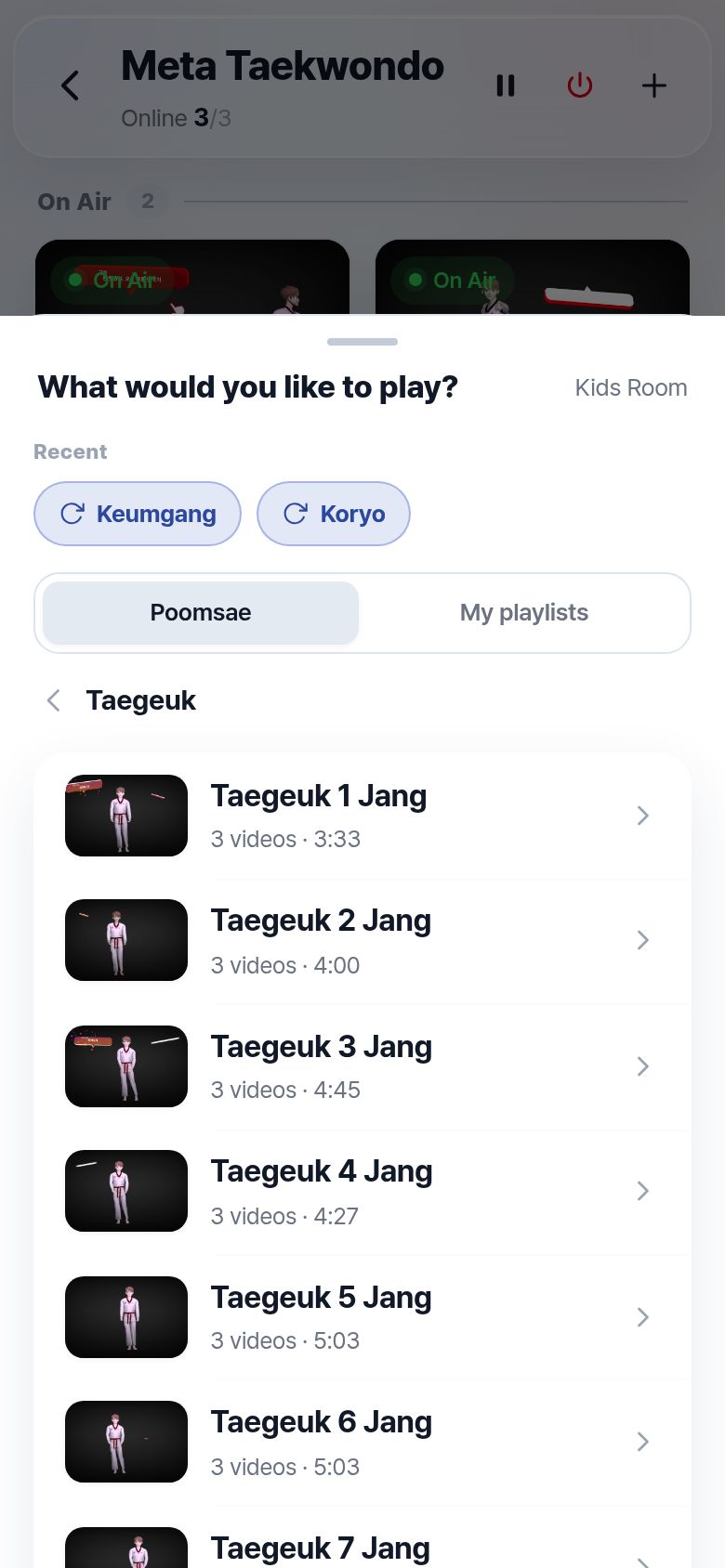
Phone screen: two of three screens playing, the kids' classroom idle Playlist sheet for choosing what to play in the kids' classroom List of Taegeuk 1 to 8 Jang Phone screen with three screens each playing a different poomsae Playing2:47 left Playing2:07 left Playing1:01 left
Included content

All the videos you need for class,
already included.

603 videos covering everything from complete poomsae to individual techniques. Each poomsae is divided into segments and filmed from three angles, while left- and right-side techniques are recorded separately.

  • 11 poomsae — Taegeuk 1–8 Jang · Koryo · Keumgang · Taebaek
  • 189 segment clips—replay any segment, such as just the third.
  • Front · rear · overhead views
  • 28 techniques—with left and right sides filmed separately—372 clips
Try it yourself →
Key features

Only what a class needs,
nothing else.

No gimmicks. Just the features you actually need for class.

Your own videos, too.

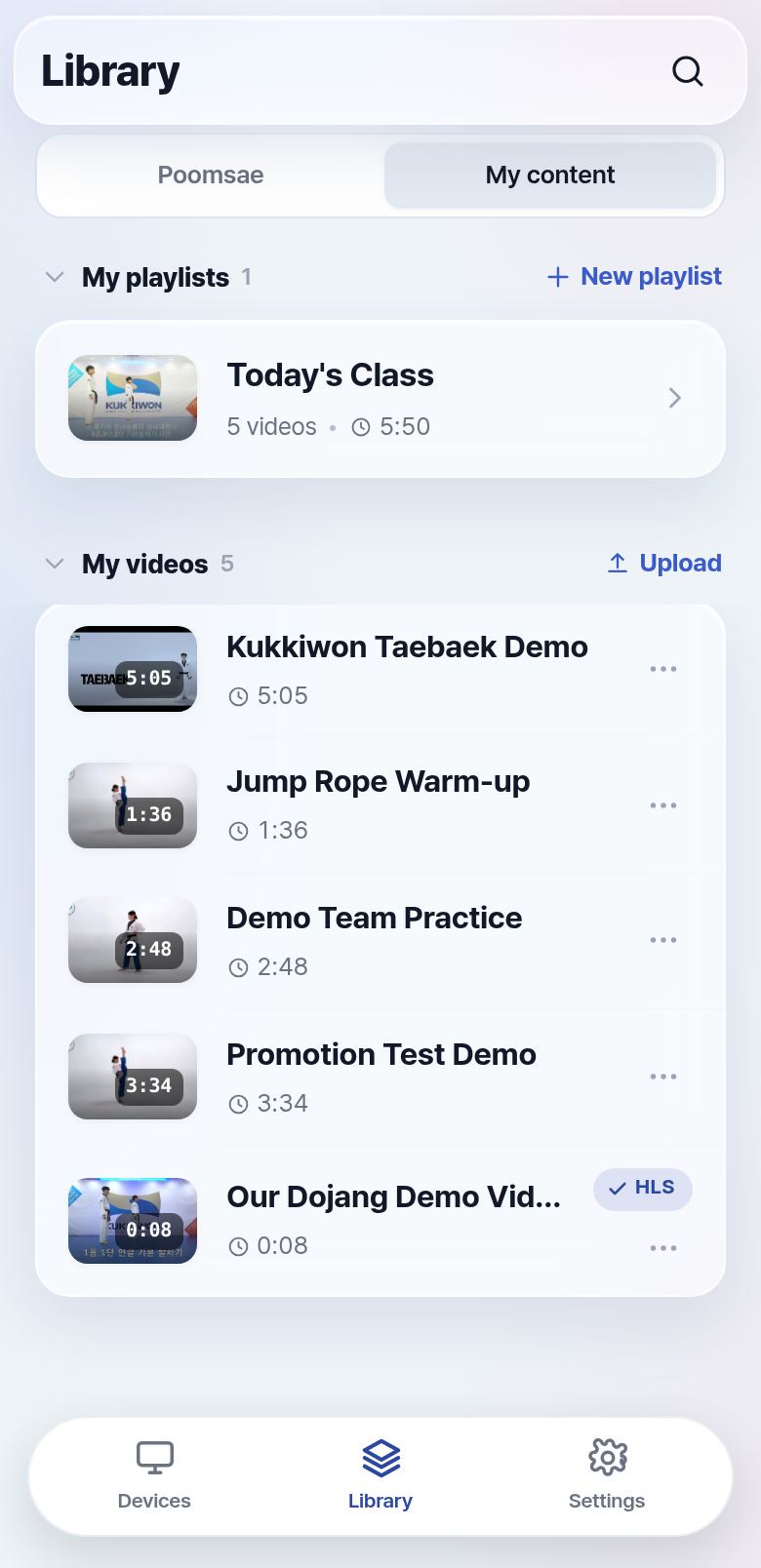
Add your own recordings and YouTube videos. Only your dojang sees them.

Library screen — uploaded videos and YouTube videos in one list

Class records, automatically logged.

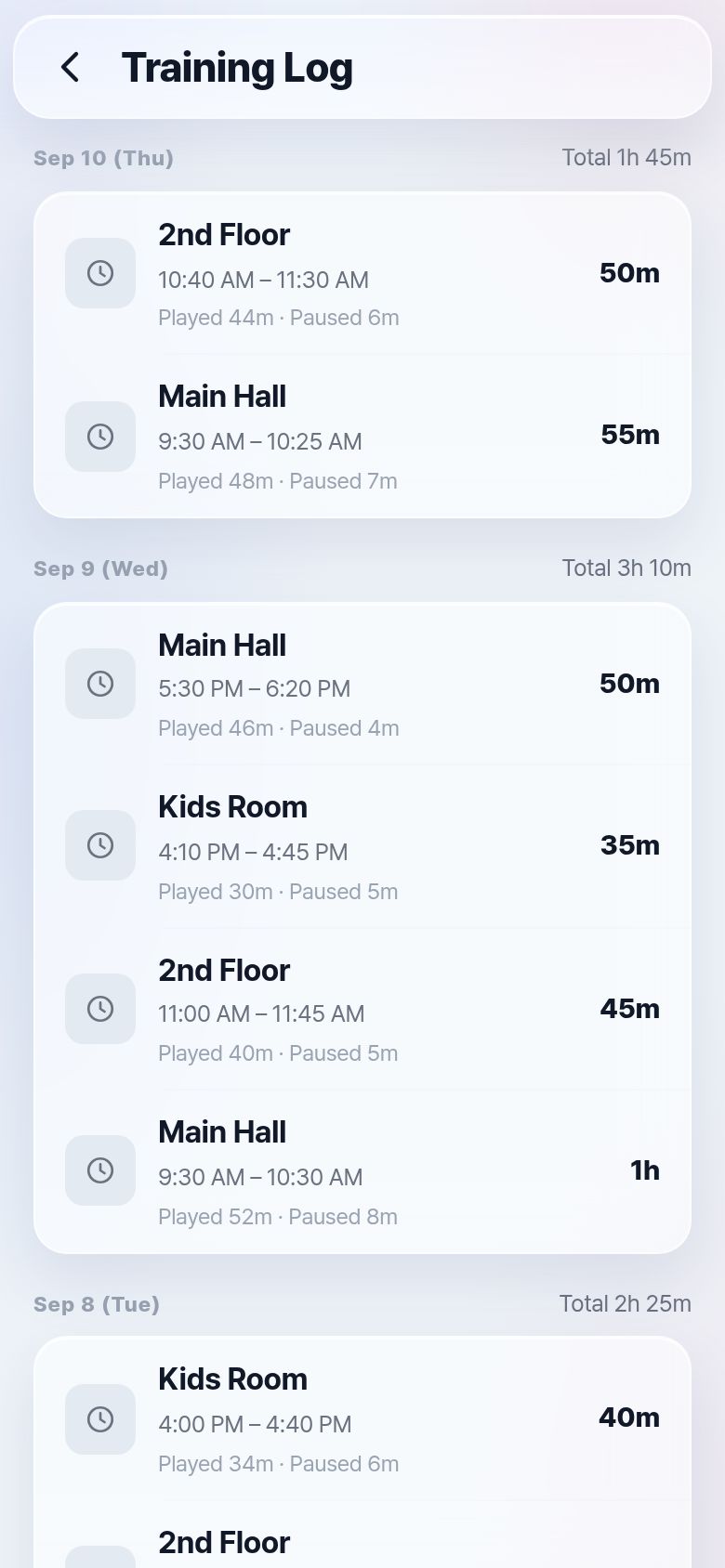
Each class is automatically logged—including playback and pause times—so you can review it later.

Training record screen — daily totals and class time per screen
Device grid on the master's phone Live view
Cast my camera

Demonstrate from anywhere in the dojang.

Stream your live demonstration directly to your students' screens while monitoring other classes at the same time.

Screens lock during class.

Trainees can't change the video by touching the screen. Once unlocked, the screen can be controlled directly again.

Try it yourself

Skip the explanation
—try it yourself.

This isn't just an image—it's an interactive demo. Choose a poomsae or adjust the playback speed on the phone, and watch the dojang TV respond in real time.

Tap the phone screen — list · play · speed · A-B loop all work.

Tap the phone to open it full size — list · play · speed · A-B loop all work.

How to start

Sign up today.
Use it in your next class.

Nothing to buy or install. It runs on the screens you already have.

Setup takes just 3 steps

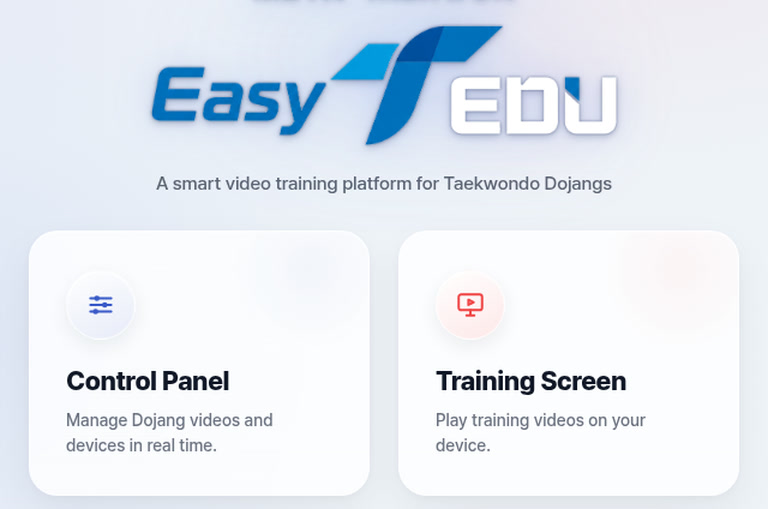
  1. The main page that opens at the address — choose Control Panel or Training Screen

    Open easy tedu on your screen

    Open easy-tedu.aitkd.net in a browser on your dojang TV or tablet.

  2. Code on the Training Screen
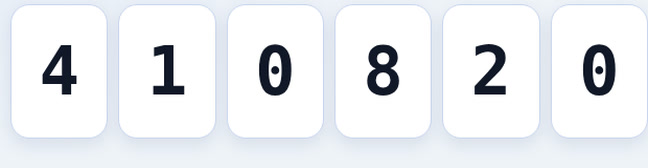
    Six-digit code 410820 shown on the dojang screen
    Enter it in the Control Panel
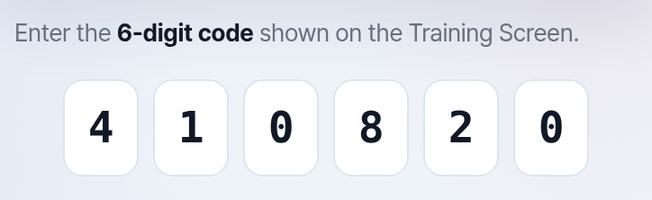
    The same code entered on the Control Panel's registration screen

    Register a screen with a six-digit code

    Enter the code displayed on the screen into the Control Panel on your phone. The screen will then be registered. To add more screens, simply repeat the process.

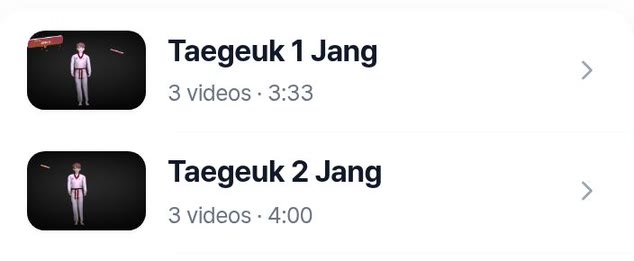
  3. Control Panel Choosing Taegeuk 1 Jang in the Control Panel

    Start class from your phone

    Choose a poomsae and tap Play. The video will start on the dojang screen. From then on, your phone is all you need.

What you need

Pricing

Pick the plan
that fits your dojang.

Month to month, no contract. VAT not included.

🚧 The tiers below are a draft — yellow marks (example) are values not yet decided.

0 months free with yearly billing

Free

Free

Try the features first.

Just start

Start here

  • Basic content
  • Pick and play
  • 1 screen
  • Brand badge shown

Upgrade when your dojang grows.

Lite

00,000 KRW/mo

A dojang run by the master aloneJust what's needed to run class.

Talk to us

Everything in Free +

  • Intermediate content
  • 3 screens · 1 instructor
  • Add your videos · segment drills
  • Raise hand · cheer effects
  • Wake screens remotely
  • Brand badge removed
Pro Most popular

00,000 KRW/mo

A dojang with several classesFor growing numbers of screens and instructors.

Request a consultation

Everything in Lite +

  • Advanced content
  • 12 screens · 5 instructors
  • Control many screens at once
  • Camera demo · live view
  • Video call (screen frames)
  • Master ↔ instructor live notes
Max

000,000 KRW/mo+

Organizations with several branchesSee everything from headquarters.

Get a quote

Everything in Pro +

  • Max content — everything
  • Unlimited screens, instructors, and dojangs
  • View branch screens from headquarters
  • Onboarding training · dedicated support
FAQ

Have questions
before you sign up?

Can I use it even if I'm not tech-savvy?

If you can watch YouTube on your phone, you're all set. Simply enter a six-digit code to register each screen. After that, just choose a video and press play. A PDF user guide for instructors is also included.

Am I locked into a contract?

No contract. You pay month to month, and if you cancel you're not billed from the next month.

Will it work with an older TV?

If your TV or device has a web browser, it should work. Android TVs, tablets, interactive whiteboards, and PCs can all be used as screens. Tell us your screen model during the consultation and we'll check it in advance.

Do my phone and TV need to be on the same Wi-Fi network?

No. easy tedu doesn't mirror your phone to the TV. Each screen streams videos independently over the internet. Your phone and screens can use different Wi-Fi networks, and you can even control them from outside the dojang.

Do I need to buy or install anything?

You can use the screens and phone you already have. There's no need for a technician or additional equipment. If an older smart TV runs slowly, we may recommend an inexpensive Android set-top box. Even then, you can simply plug it in yourself.

Do I have to open the website every time?

No. Once a screen is registered, you won't need to register it again. On Android devices—including smart TVs, tablets, and set-top boxes—we can also install a dedicated app that launches automatically when the device is turned on.

Will playback stop if the internet connection drops?

Videos stream over the internet. Playback will continue through a brief interruption, but an unstable internet connection may interrupt the video. We'll help you check your dojang's internet connection during the consultation.

Can my instructors control it too?

Yes. Instructors get their own accounts, while the head instructor can see who is controlling each screen. Administrative actions, such as managing accounts and deleting videos, are restricted to the head instructor.

Consultation

Will it work
in my dojang?

TV, monitor, or tablet: just tell us how many screens your dojang has and what you use to play videos now. We'll tell you whether it works for you and what, if anything, you need to prepare.

easy·tedu is getting ready for its official launch. Request a consultation now, and you'll be among the first to hear about the official launch and how to get started.

No pressure. We'll get back to you within 1–2 business days.